Lightroom's New Masking Panel Is Better Than You Think — Here's How to Actually Use It

Lightroom's New Masking Panel Is Better Than You Think — Here's How to Actually Use It

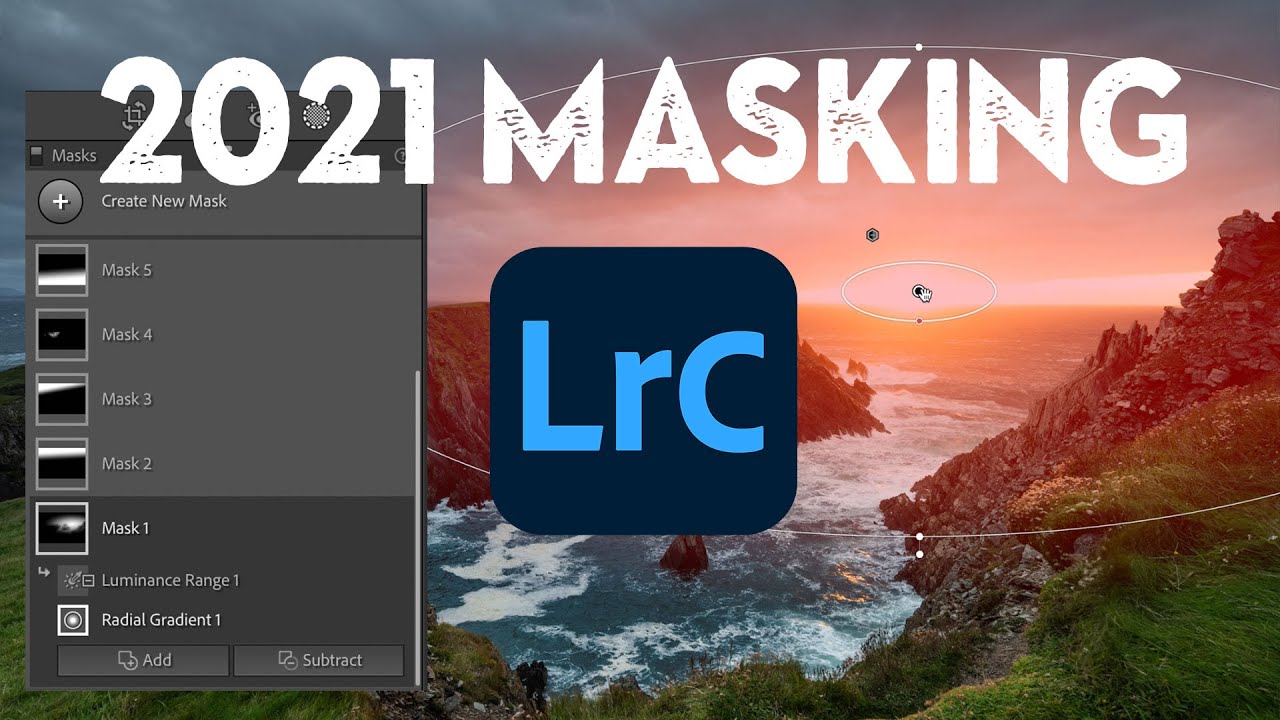
There’s a moment in almost every edit where I think, “I know what this image needs, I just can’t get there fast enough.” For a long time, Lightroom’s local adjustment tools were the bottleneck. The old radial and gradient filters got the job done, but organizing multiple masks on a complex image felt like untangling earbuds in the dark. When Adobe overhauled the masking panel, I’ll be honest, I skimmed the release notes, thought “neat,” and kept using Photoshop for anything serious.
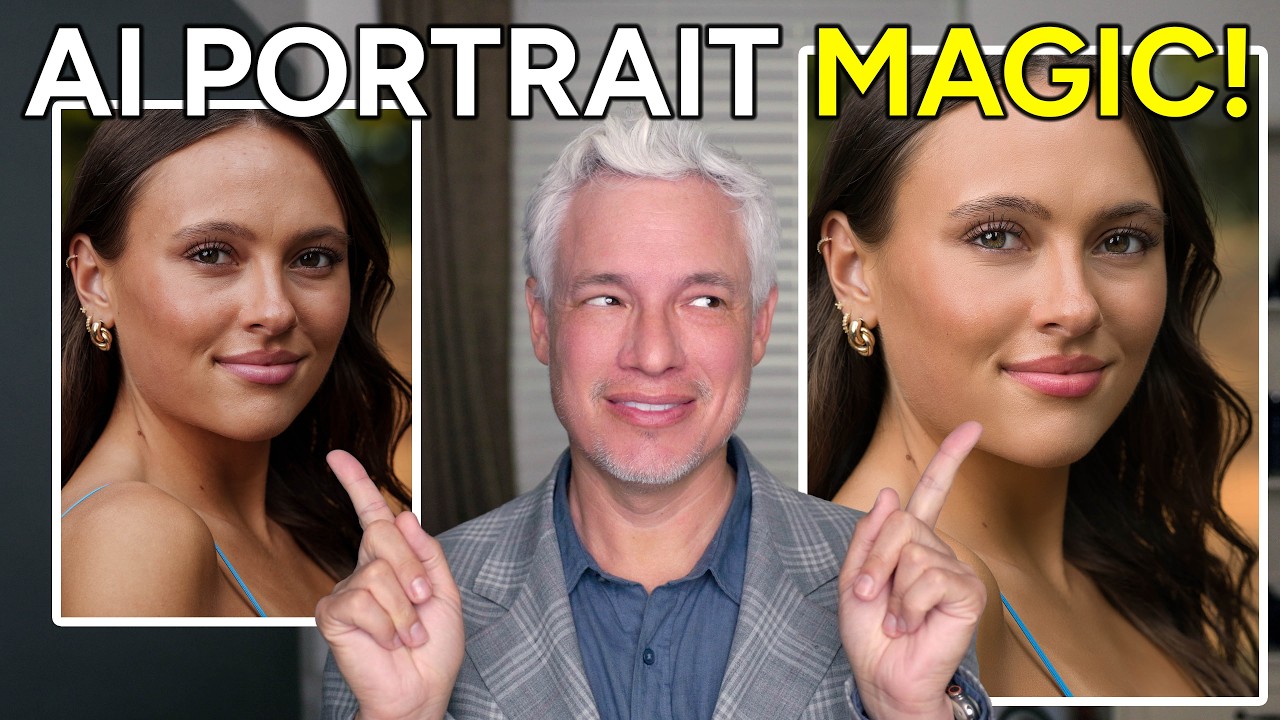

Natural-Looking Portrait Retouching with Luminar Neo's New AI Tools (No Subscription Required)

Natural-Looking Portrait Retouching with Luminar Neo's New AI Tools (No Subscription Required)

There is a specific kind of dread that comes from delivering a gallery and then getting a reply that says “these look a little… airbrushed.” I know that feeling intimately. Early in my retouching career, I overcorrected for every pore and stray hair until my subjects looked like they were made of latex. The lesson I eventually learned, the hard way, is that great retouching is invisible. People should look like themselves, just on their best day.

Photoshop 2026's Best New Features for Retouchers (And Why Harmonize Changes Everything)

Photoshop 2026's Best New Features for Retouchers (And Why Harmonize Changes Everything)

Every fall, Adobe Max rolls around and I do the same thing: I open three browser tabs, scan the announcement pages, and try to figure out which new features will actually matter to my day-to-day work versus which ones are just good conference demos. This year, I saved myself some time by watching Matt Kloskowski’s breakdown of what’s new in Photoshop 2026, and I’m glad I did. Watch the full tutorial on YouTube before or after reading this, because Matt’s pacing and visual examples are worth your time on their own.

Softbox vs. Beauty Dish for Portraits: What the Light Actually Does to Skin

Softbox vs. Beauty Dish for Portraits: What the Light Actually Does to Skin

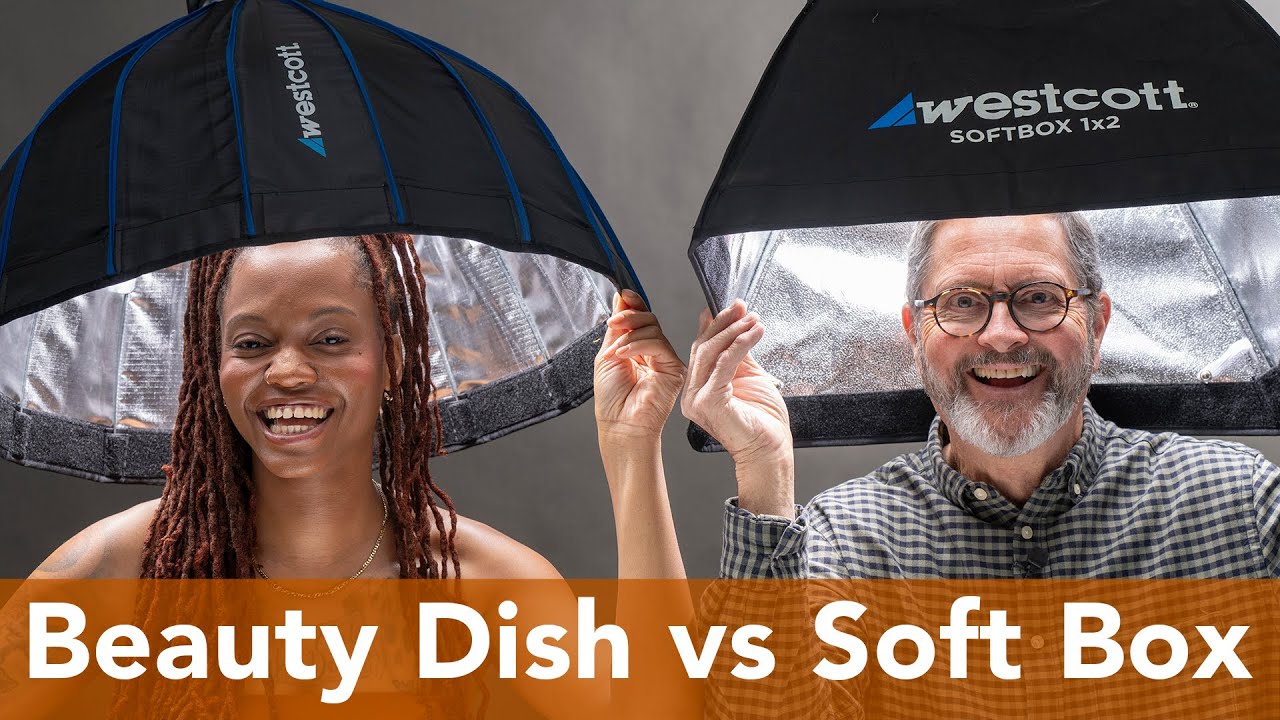
When I was still shooting weddings, I treated lighting modifiers like interchangeable parts. A softbox was a softbox. If the light looked roughly even, I moved on. It wasn’t until I started doing beauty work for skincare brands, where every shadow on a cheekbone is a creative decision, that I realized how differently two modifiers of nearly the same size can actually behave on a face. That distinction matters enormously when a retoucher sits down with the image afterward.

What 5 Fiverr Retouches Taught Me About Pricing, Quality, and What Clients Actually Notice

What 5 Fiverr Retouches Taught Me About Pricing, Quality, and What Clients Actually Notice

There’s a question I get from newer retouchers constantly: how do you know what your work is worth? I used to fumble through that answer. Now I point people toward data. Real comparisons, same photo, different hands, different price points. That’s exactly what makes Watch the full tutorial on YouTube this experiment from photographer Jessica Kobeissi so useful. She hired five strangers on Fiverr at $5, $20, $50, $100, and $300, sent them all the same portrait, and then tried to guess which price matched which result.

Dodge and Burn in Lightroom: The Portrait Technique I Wish I'd Known Earlier

Dodge and Burn in Lightroom: The Portrait Technique I Wish I'd Known Earlier

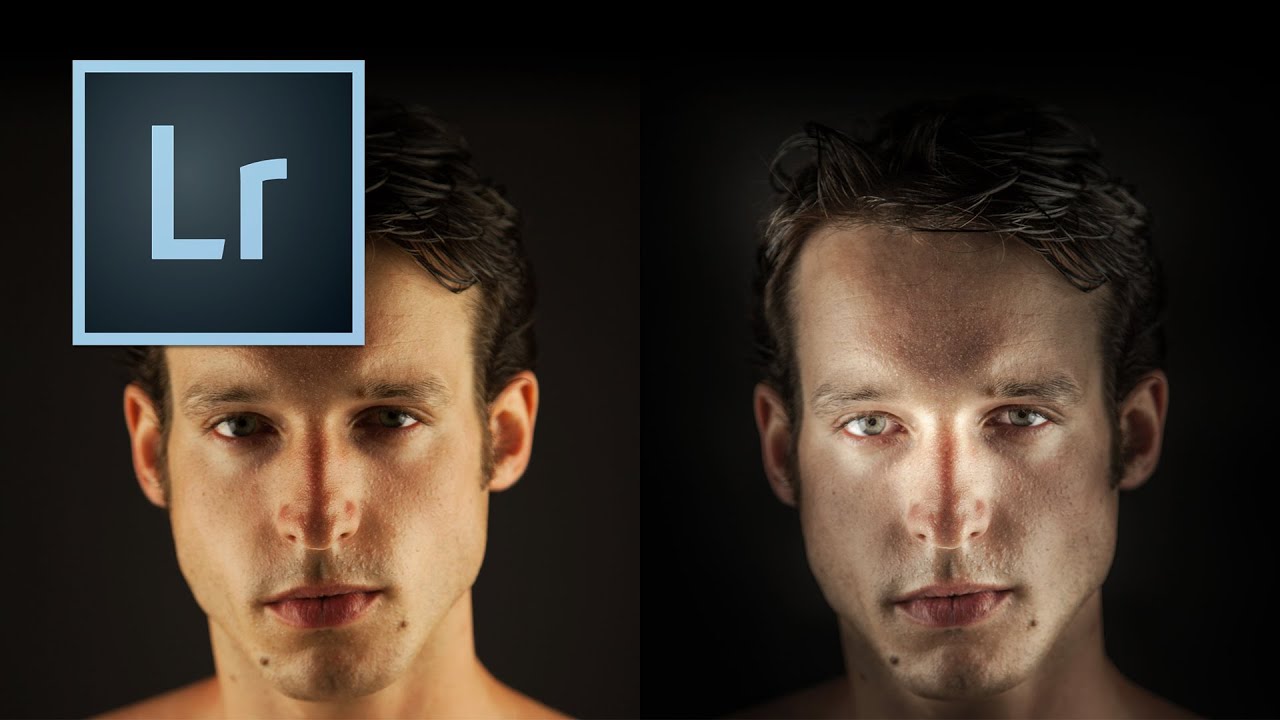
There’s a specific kind of portrait that used to make me nervous to retouch – the ones where the subject’s skin is blotchy, the lighting is a little flat, and the whole image feels like it needs something you can’t quite name. For a long time, I’d throw frequency separation at it, or get heavy-handed with the HSL panel, and the result would look corrected rather than beautiful. What was missing, more often than not, was intentional light shaping directly on the face.

How to Use a Frame-Within-a-Frame to Transform an Ordinary Cityscape Into a Cinematic Shot

How to Use a Frame-Within-a-Frame to Transform an Ordinary Cityscape Into a Cinematic Shot

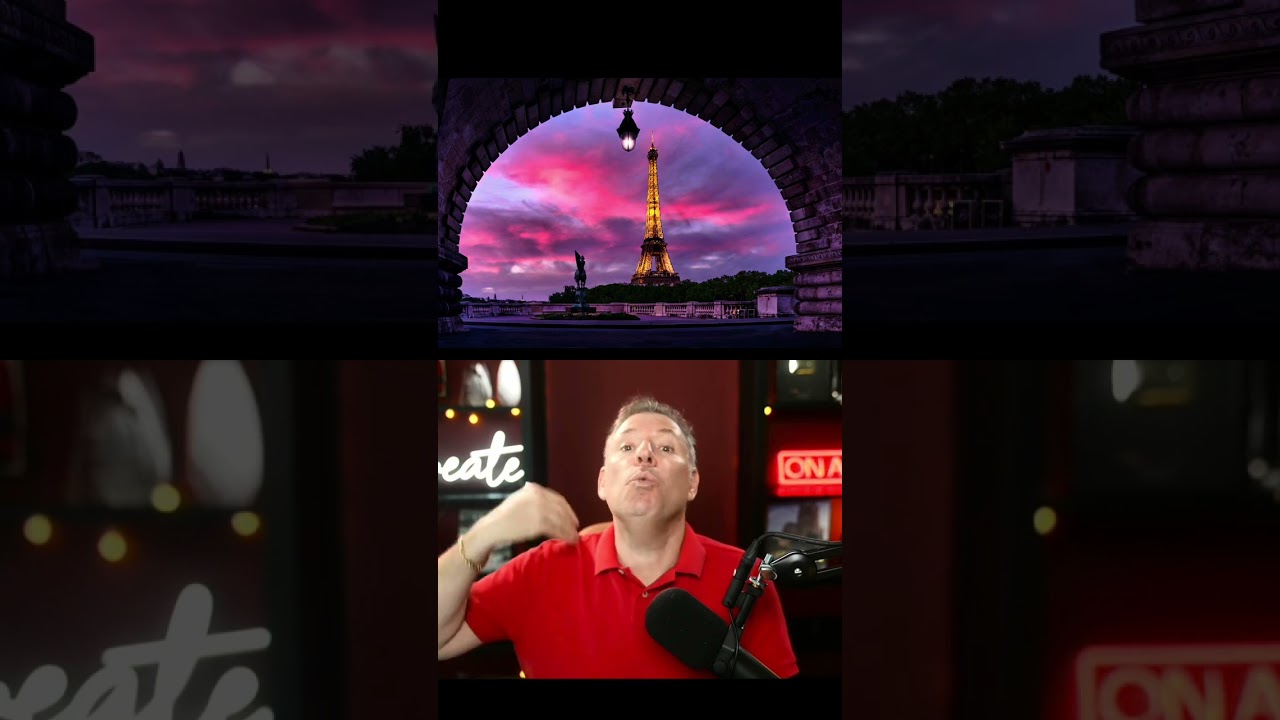
There’s a moment every photographer dreads: you show up to one of the most photographed landmarks on earth, tripod in hand, and realize that every angle you find has already been shot ten thousand times. I ran into this exact wall early in my career, long before I moved into beauty retouching full-time. I’d stand in front of a famous location and freeze, convinced that anything I captured would look like a tourist snapshot dressed up with a filter.

Apple's Advanced Masking Features Are Game-Changers for Portrait Artists

Apple's Advanced Masking Features Are Game-Changers for Portrait Artists

Apple Upgrades Creator Studio with Powerful New Masking Capabilities I’ve been watching Apple’s evolution in the creative software space closely, and I’m genuinely excited about what they’ve just unveiled. The company has rolled out significant enhancements to their Creator Studio collection, and portrait retouchers like us should definitely be paying attention. While many photographers focus on video editing applications, what really caught my eye is how these new masking tools can transform our beauty and portrait retouching workflows.

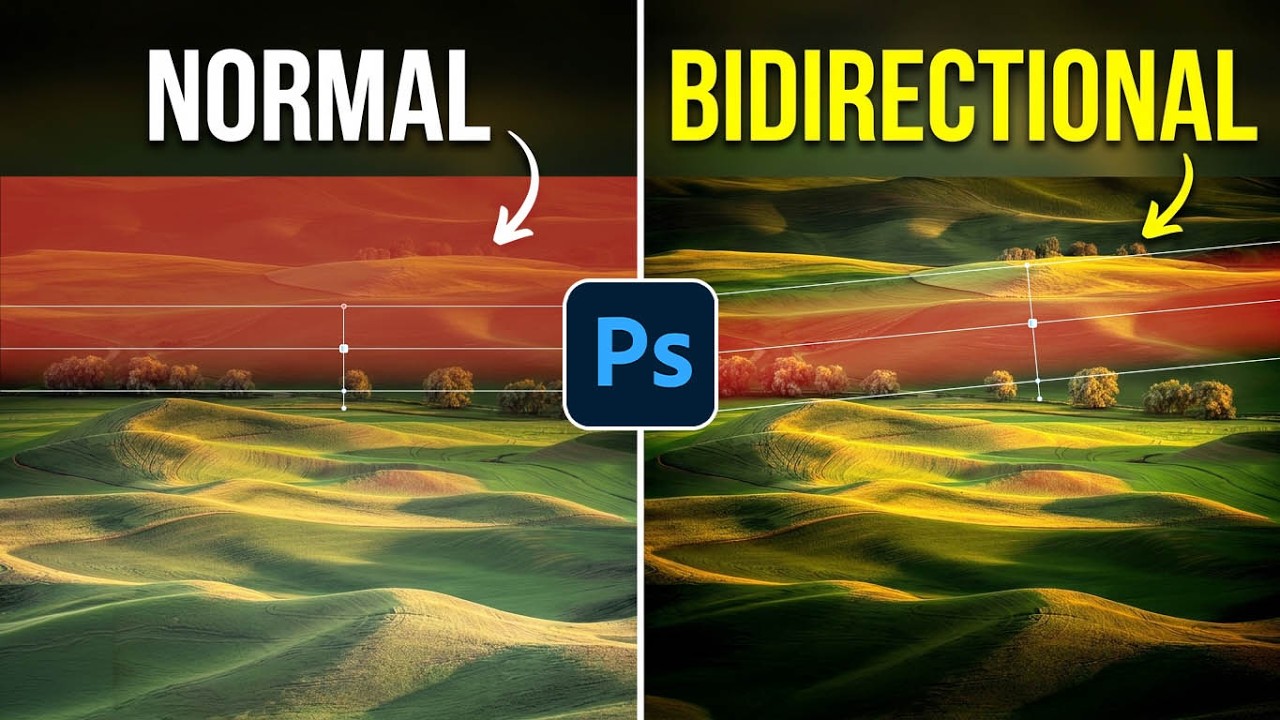
Photoshop's Bidirectional Gradient Masks Finally Make Skin Blending Feel Natural

Photoshop's Bidirectional Gradient Masks Finally Make Skin Blending Feel Natural

There’s a particular kind of frustration that comes from knowing exactly what you need to do to a photo and not having the right tool to do it cleanly. I’ve felt it dozens of times working on beauty campaigns where the light hits a subject’s face in a long, narrow band, and I want to enhance just that band without blowing out the edges or dragging a complicated luminosity mask into the mix.

The 15-Minute Eye Enhancement Workflow That Stopped My Clients Saying Make Them Pop

The 15-Minute Eye Enhancement Workflow That Stopped My Clients Saying Make Them Pop

A few years back, a client sent me a revision note that read: “Can you make the eyes more… alive?” I had spent forty minutes on that image. The skin was clean, the color grade was warm and editorial, and the composition was genuinely lovely. But she was right. The eyes looked like they belonged to someone who had just heard mildly disappointing news. Everything else in the frame was doing its job, and the eyes were not.

Why Hair Retouching Falls Apart at the Edges (And How to Fix It Layer by Layer)

Why Hair Retouching Falls Apart at the Edges (And How to Fix It Layer by Layer)

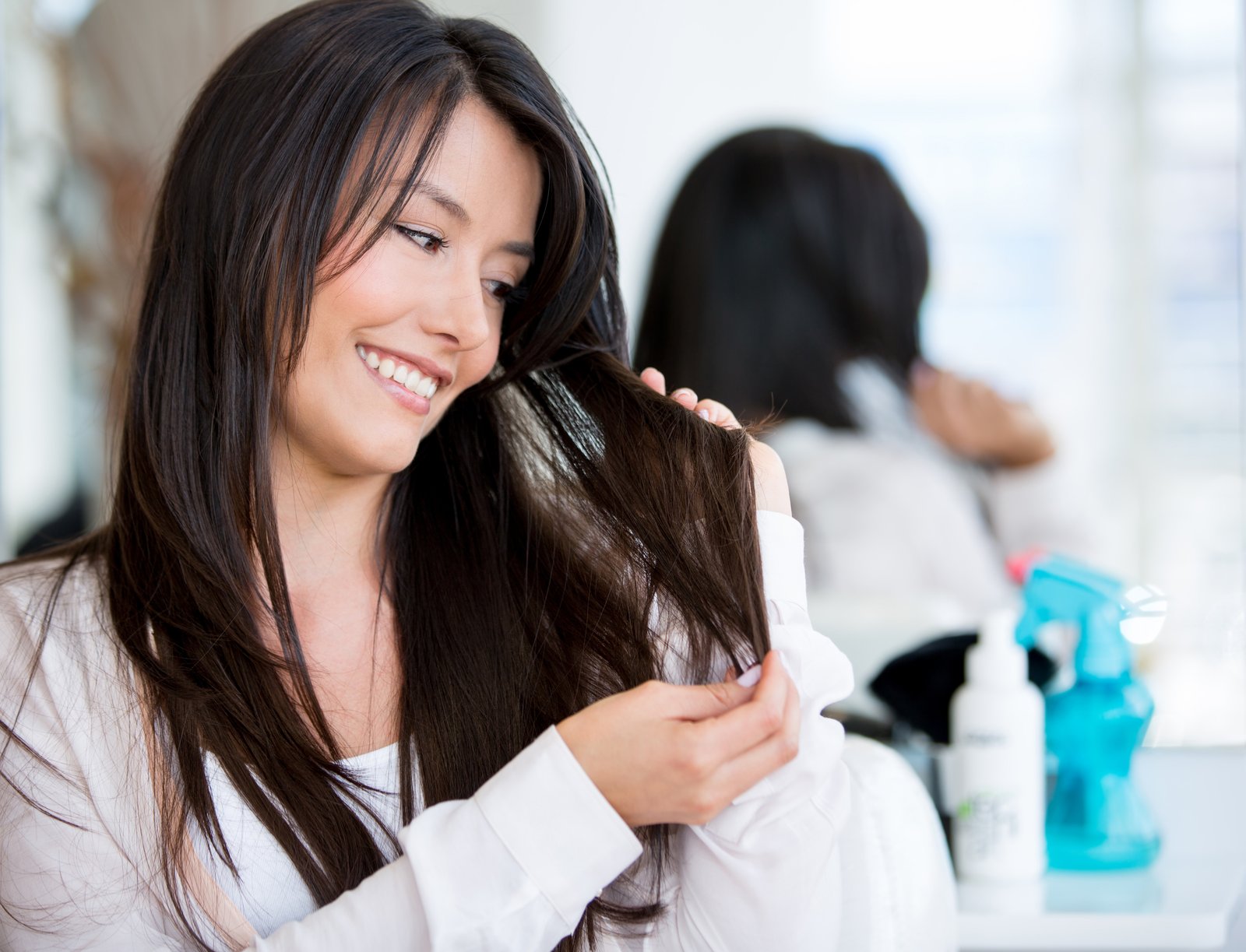
Why Hair Retouching Falls Apart at the Edges (And How to Fix It Layer by Layer) By Maya Chen The file came in on a Tuesday morning: a beauty campaign shot, studio-lit, clean background, gorgeous subject. The hair was this wild, expressive curtain of coils that the photographer had clearly worked hard to capture well. My job was to clean it up without flattening it. Three hours later I had something that looked like a wig glued to a mannequin.

Why Your Headshots Look Retouched (And How to Fix That Before the Client Notices)

Why Your Headshots Look Retouched (And How to Fix That Before the Client Notices)

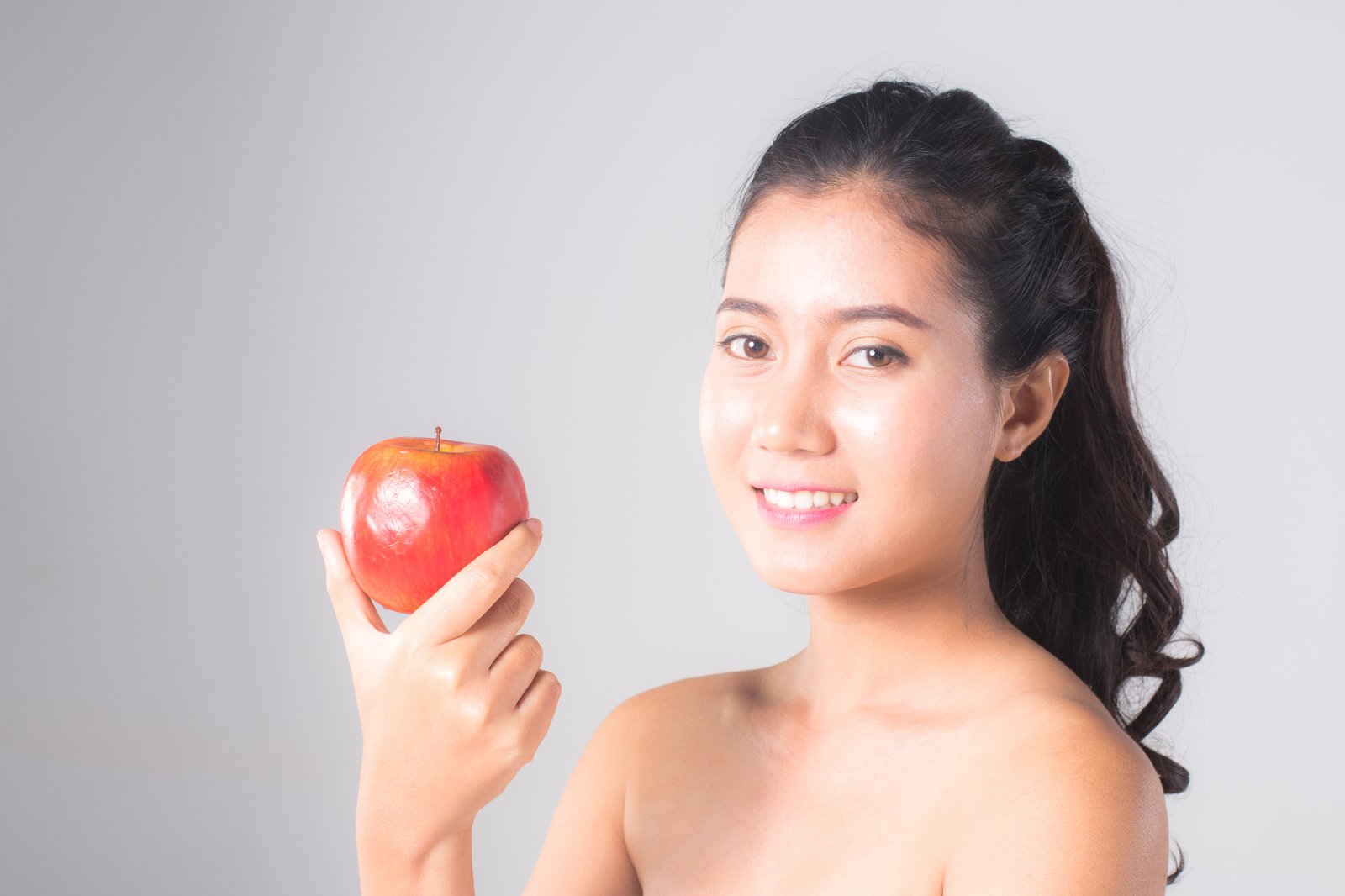
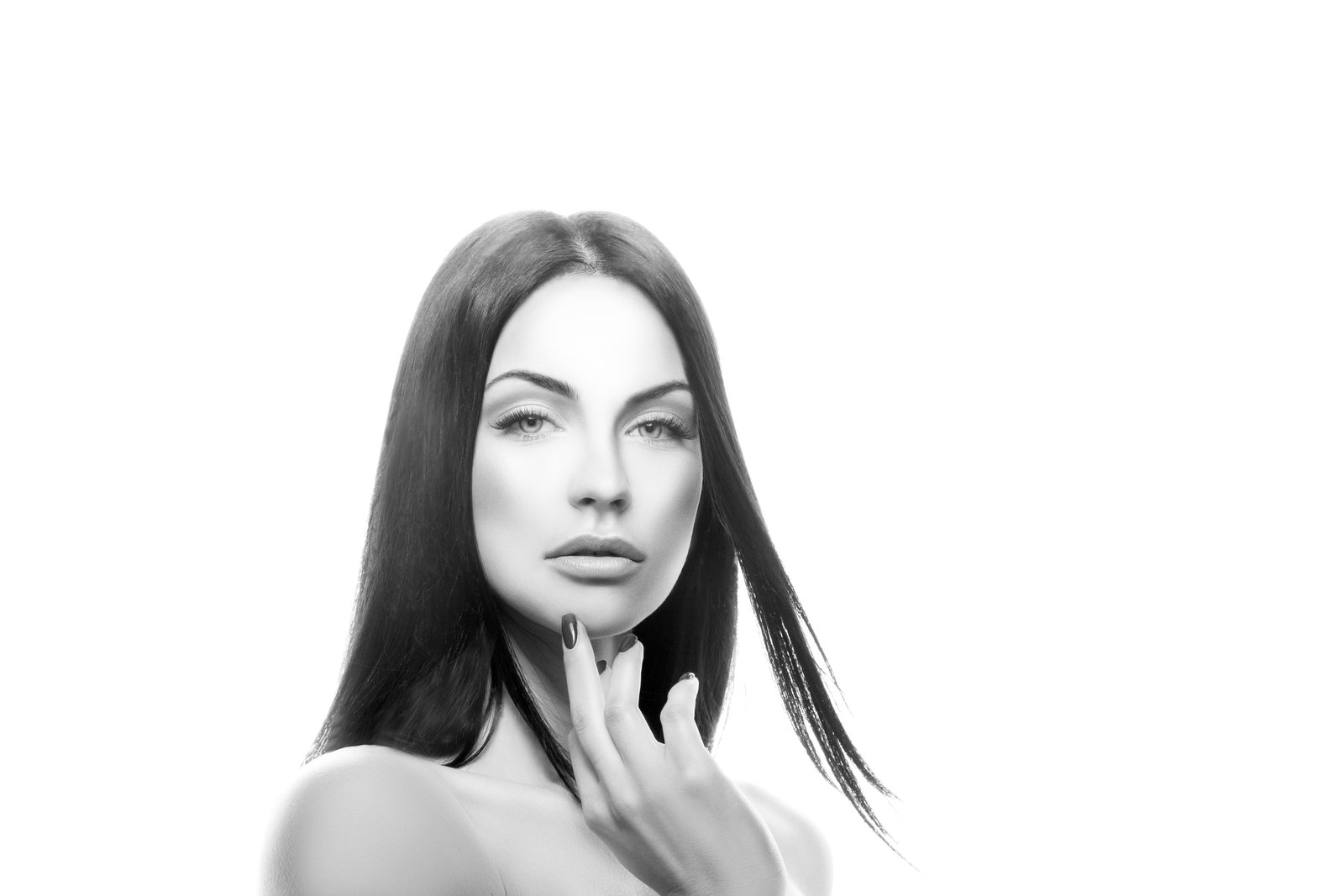
The first headshot I ever retouched that a client actually complained about wasn’t overexposed or poorly cropped. It was technically clean. Sharp eyes, even skin tone, good contrast. The client called me and said, very politely, “I just look kind of… plastic?” I had smoothed her skin so aggressively that the natural texture was gone, and what was left was something between a wax figure and a LinkedIn filter. I kept that file.